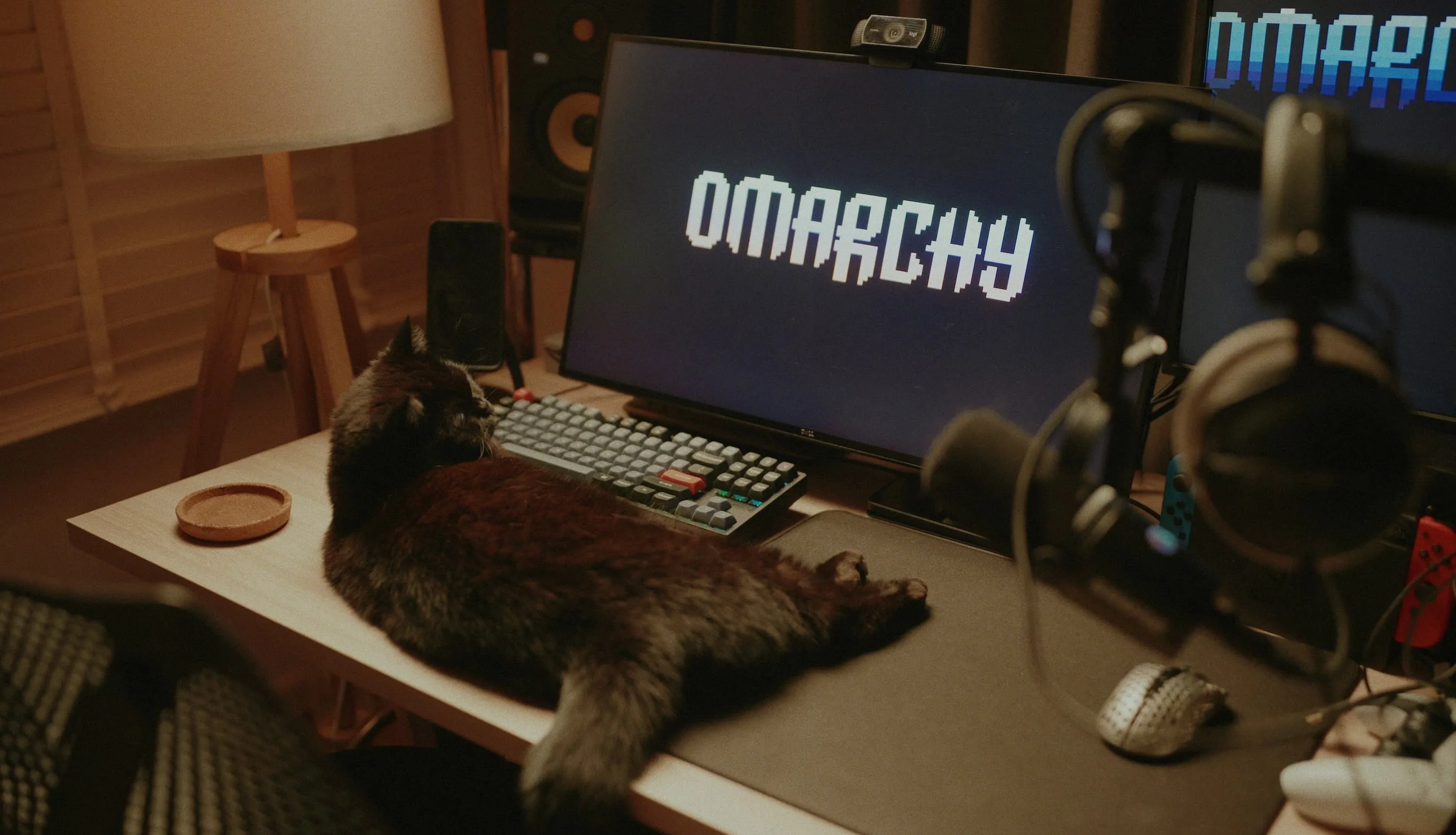
I was a little wary of Omarchy at first.
Arch Linux and Hyprland, configured to DHH’s taste, sounded interesting. Still, if I was going to use Arch Linux, I figured I might as well customize it myself.
I briefly tried Omarchy more than a year ago, and the keybindings didn’t feel quite right yet. That first impression stayed with me.
Then I actually started using Omarchy Quattro, and it won me over. The keybindings now feel well thought out, and everything feels even faster. It’s a different experience from that first brief try.
The omakase setup—the defaults chosen for you—has become much more polished. It feels good to use.
Video:  DHH’s introduction to Omarchy Quattro.
And when a setting bothers me, I can ask an agent to change it.
I can start with defaults that work well and adjust them to my own taste.
With that convenience added to the improvements, I was surprised by how far Omarchy had come since I first tried it.
From the Apple Dispute to Linux
In 2020, 37signals’ email service HEY had an  iPhone app update rejected by the App Store over in-app payments.
Even shipping bug fixes became a matter of negotiating with Apple.
They had built the service, yet Apple got to decide whether they could deliver it to their customers.
I understand why DHH was angry. Anyone who makes software has reason to care about that.
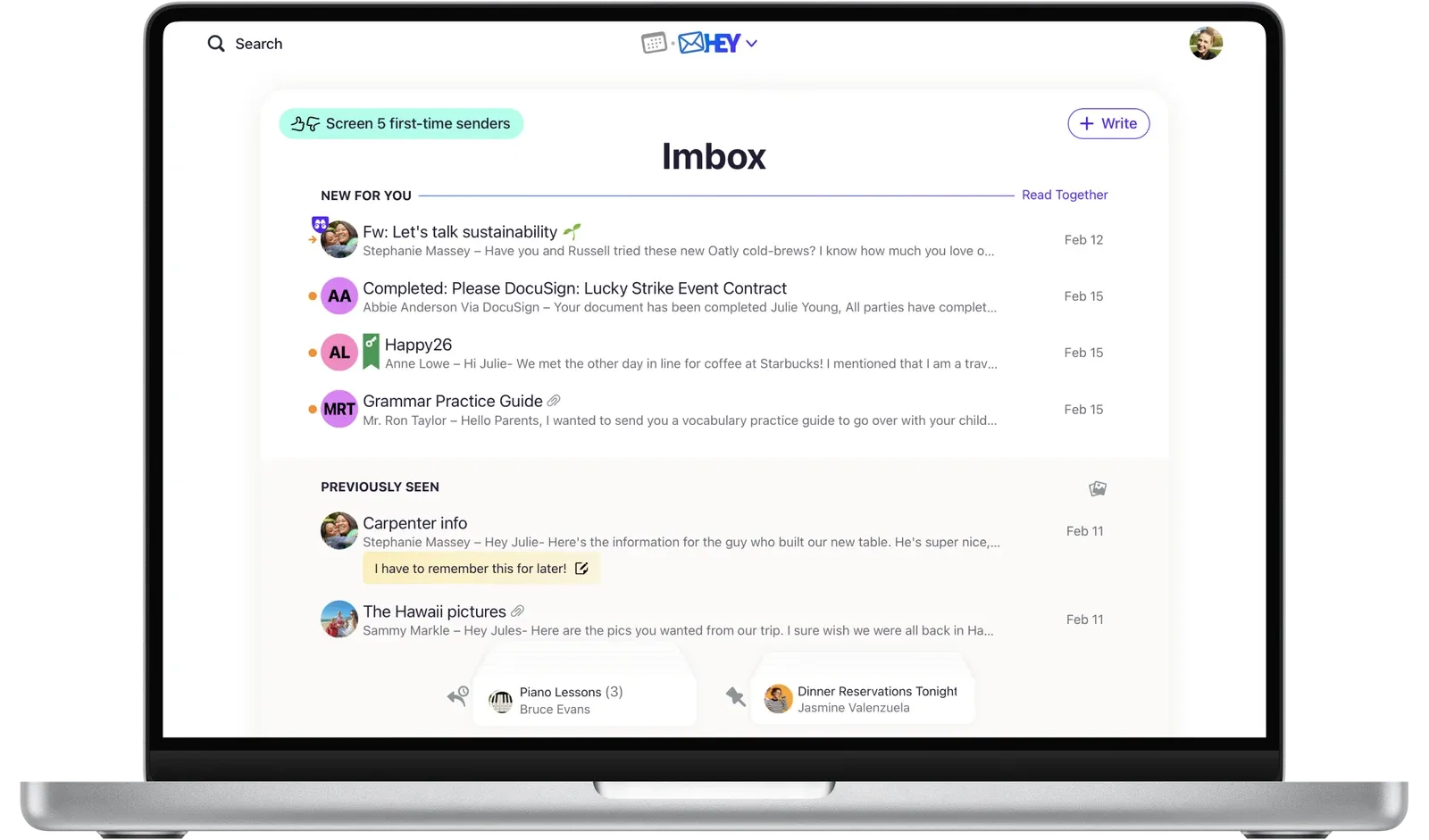
HEY, the email service built by 37signals. Image: HEY’s official press resources.
In Europe, the Digital Markets Act required Apple to  allow iPhone apps to be distributed outside the App Store.
Having more ways to distribute an app didn’t settle the matter, though. The European Commission raised concerns about Apple’s conditions and new fees.
DHH also strongly criticized Apple’s response.
On the Mac, you can distribute apps outside the App Store, but there are still hoops to jump through.
For an app to open under the usual macOS security settings, developers need to sign it with Developer ID and submit it for  Apple’s notarization.
Notarization is an automated security check, separate from App Store review. That still means submitting a signed app to Apple as part of preparing it for distribution.
(I understand the security argument. I just wish distributing an app were a little less of a process.)
There are things about Windows that I still can’t get used to, either.
 Windows 11 Home and Pro for personal use require a Microsoft account and an internet connection during initial setup. The OS also has settings for ads and recommendations for third-party products.
Create an account, find the settings that turn off the ads, and then start using the computer. Having to go through all that when I’m paying for a license bothers me.
In 2024, DHH announced that Linux would become the default for developers and operations staff at 37signals. He later described Omarchy’s development as a continuation of that move.
DHH’s stance reminds me of Apple’s “1984” commercial.
In that ad,  directed by Ridley Scott, the protagonist throws a hammer at a giant screen showing Big Brother.
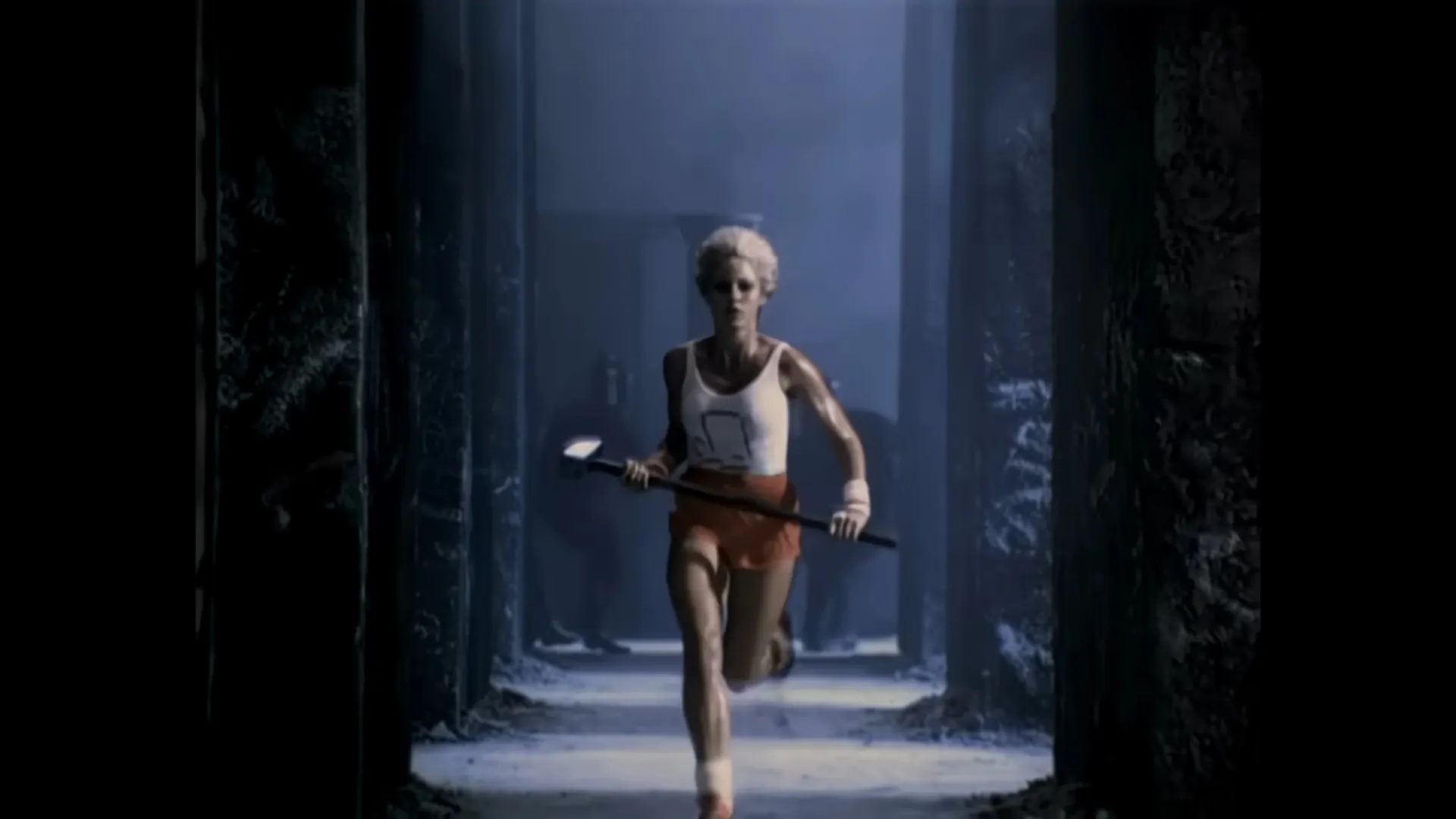
A still from Apple’s “1984” commercial.
Now DHH seems to be the one throwing that hammer at Apple. There’s quite an irony in seeing him take the role Apple once cast for itself.
He moves to Linux, builds the environment he wants to use, and makes it available to everyone else. I admire that willingness to get on with it. Honestly, I think it’s pretty cool. Using Omarchy myself makes me appreciate it even more.
What Changed with Quattro
 Omarchy 4, also known as Quattro, released in August 2026, brings major changes to how the desktop itself works.
The bar, launcher, menus, notifications, and lock screen have been rebuilt in Quickshell. Features that used to run in separate programs now share a single shell.
I can search for apps and commands in the same menu. Audio, network, and display settings have matching control panels.
Changing the theme can also update the colors in Neovim and VS Code.
Being able to choose a coding agent and launch it with a shortcut is handy on a machine I use every day.
Plugins let me add features to the bar, too, so I can keep adapting the desktop.
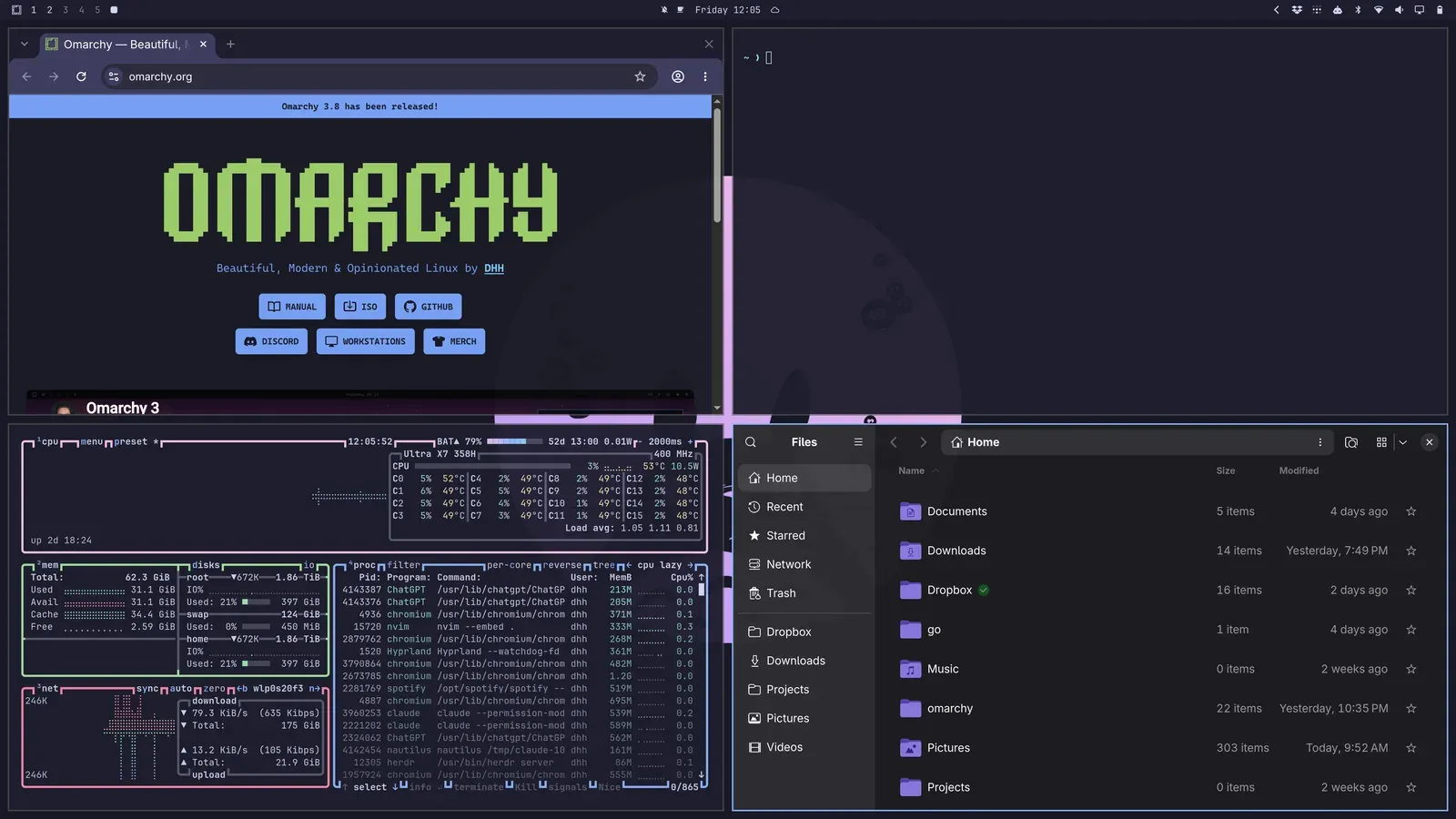
Four tiled windows on the Quattro desktop. Image:  the official Omarchy manual.
Assembling a Linux desktop from pieces can be fun. Sometimes, though, I want to start with everything already set up. Quattro does that well.
When I want to change something, I can tell an agent what I want and have it edit the configuration files. Actually trying this made small adjustments feel much less like a chore.
I used to think I’d be better off putting together my own setup. Now I enjoy using these defaults. If something doesn’t suit me, I can change it there and then.
Recently, Quickshell’s creator became the lead developer of Omarchy Shell, and ThePrimeagen joined the Core team to work on automated release testing. I’m looking forward to seeing what they do.
In his recent Rails World 2026 keynote, DHH also talked about how coding agents have made software easier to build and change.
That includes the desktop I use every day.
Now that I’ve started changing mine with an agent, I understand why he’s so absorbed in Omarchy.
Japanese Input and Omarchy Tokyo
Japanese input and JIS keyboard support matter on a computer I use every day.
A good-looking desktop isn’t much comfort if conversion keys and shortcuts keep getting in the way.
I submitted PR #13327 to bring together the JIS keyboard and Japanese input setup.
It proposes an omarchy setup japanese command to install Mozc and configure input switching with the Henkan and Muhenkan keys—the conversion and non-conversion keys on a Japanese keyboard.
It also addresses zooming with Ctrl + + on JIS keyboards and using tmux’s Ctrl + Space prefix while Japanese input is active.
The PR is still open at the time of writing. I’d like people to be able to use Japanese without having to research and configure all of this by hand each time.
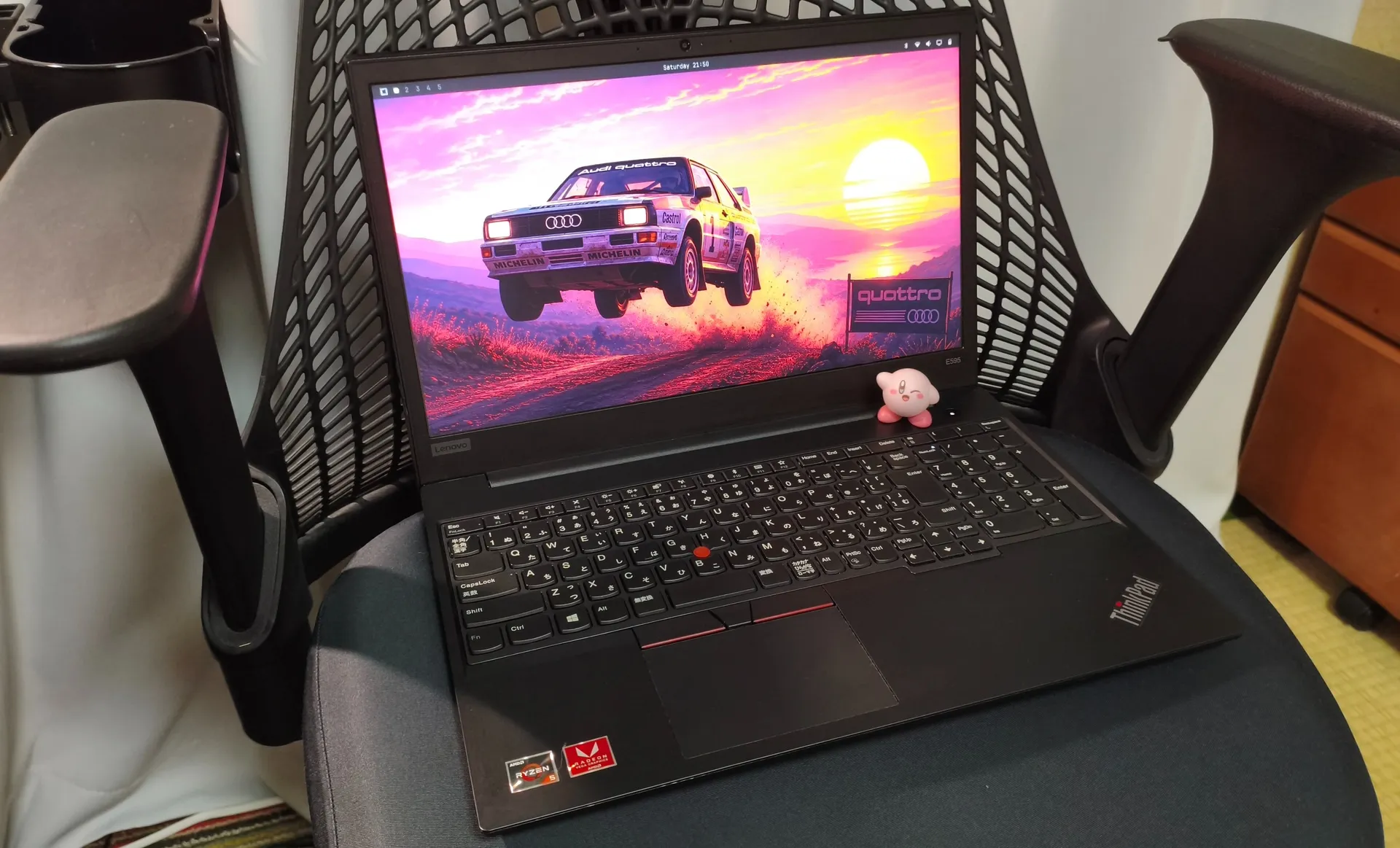
The ThinkPad E595 used to test JIS keyboard support. Photo: PR #13327.
komagata has also released  a plugin for displaying and switching input methods from the bar and is working on UI internationalization.
I appreciate the work to make menus and plugins usable in Japanese as well as getting Japanese input working.
There’s also Omarchy Tokyo, where komagata brings users together. Omarchy Tokyo Meetup vol.1 took place in September. Getting together to talk about how people use the desktop and the plugins they’ve made sounds like fun.
And Omarchy Tokyo Night is scheduled for October 14 at 7:30 p.m. Japan time, with DHH planning to attend.
The creator of Omarchy is coming to Japan to meet users in Tokyo. I’m looking forward to that.
Servers and Development Machines
For servers, I’d still choose Ubuntu or Debian.
Long support periods and readily available information are useful. I don’t expect a server OS to offer the same enjoyment as a desktop.

Linux is used in all kinds of places. Image source:  perfectogo’s “LINUX. What is linux?” on Medium.
I used Debian with  KDE Plasma on my desktop for a while, too. Debian’s conservative approach to updates, with Plasma’s configurable panels and shortcuts, made a good combination.
After that, Fedora Workstation became the development environment I used for the longest time. I liked it a lot and came to rely on it for development. The latest stable release,  Fedora Workstation 44, is excellent too.
Even so, once I started using Omarchy 4, I found that I liked using it more than Fedora.
It has the comfort of a desktop that’s already set up, along with the convenience of changing settings through an agent. It suits my development machine better now.
So today, my choice for a development machine comes down to Omarchy or NixOS.
 NixOS lets me manage packages and settings in configuration files.
I can recreate the environment on another PC and roll back if a change goes wrong. If I want to manage my environment that way, it’s a good choice.
With Omarchy, I can use the environment it provides and change whatever doesn’t suit me. That’s what I’m using now.
I’m glad I started using it. If I’d stuck with the impression I got from that first brief try, I would have missed out on this.
The title is a nod to Kubrick’s Dr. Strangelove.
I’ll leave one more tribute here, to capture how elated I feel right now.
—He loved Omarchy.
The opening photo is reproduced from 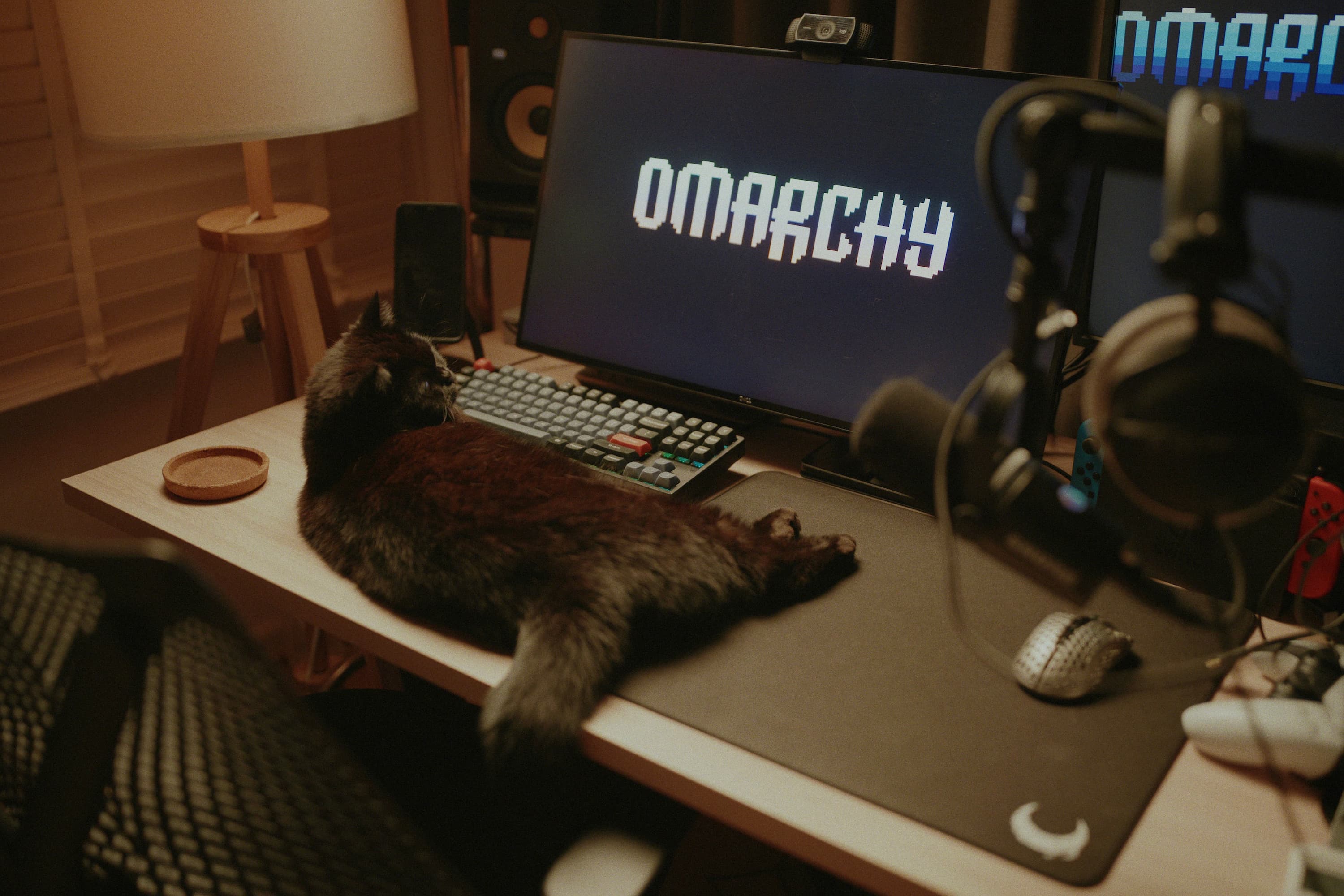 the Workstations gallery on the official Omarchy website (P1554011.jpg).
The closing line is a nod to George Orwell’s  Nineteen Eighty-Four.